Two-hand control
Shape harmony with your left hand, then control voicing, octave, volume, and filter with your right. The on-stage chord and quality readouts help you connect a steady hand shape with the sound you hear.
Make chords with your hands. Shape harmony, voicing, octave, volume, and filter in real time, then keep a short local take when an idea lands.
1. Keep both hands in frame with enough light to move comfortably.
2. Select the round center control once the preview is ready to start sound.
3. Use the red Record control when you want a local MP4 take.
Learn the gesture map in 95 seconds, then open the instrument while the hand movement is still fresh. The written steps stay here when you need a quick reminder while you play.
Use the left hand to move between the first few degrees.
Tilt the left hand to hear the harmony change color.
Add a voicing, then move your hand to shape the sound.
Tested in Google Chrome
Gesture Synth is a hand-tracking music tool that turns camera input into responsive musical control without accounts, downloads, or specialist hardware. Learn how hand tracking, browser support, recording, and privacy work before you play. Practice a progression, explore a sound, or sketch a musical idea from a laptop browser.
Read how Gesture Synth worksShape harmony with your left hand, then control voicing, octave, volume, and filter with your right. The on-stage chord and quality readouts help you connect a steady hand shape with the sound you hear.
Choose any of 12 keys and switch between warm, bright, and retro synth voices while you perform. The browser-native sound engine responds as your hand position changes, so you can hear a progression take shape instead of programming it first.
Capture the live synth display with its generated audio for up to five minutes, then download a real MP4. When you choose Record, the browser asks for microphone access and combines that audio with the performance canvas.
Camera frames, microphone audio, synth audio, hand landmarks, and recordings stay local to the instrument. Anonymous page-usage telemetry may be sent to Microsoft Clarity when it is enabled.
Allow camera access, select the center play button, make an I major chord with your left hand, then add a root-position voice with your right. This is the shortest path from camera permission to a playable sound. Let the visual readout settle before changing the next gesture; it makes the connection between movement and music easier to hear.
 01
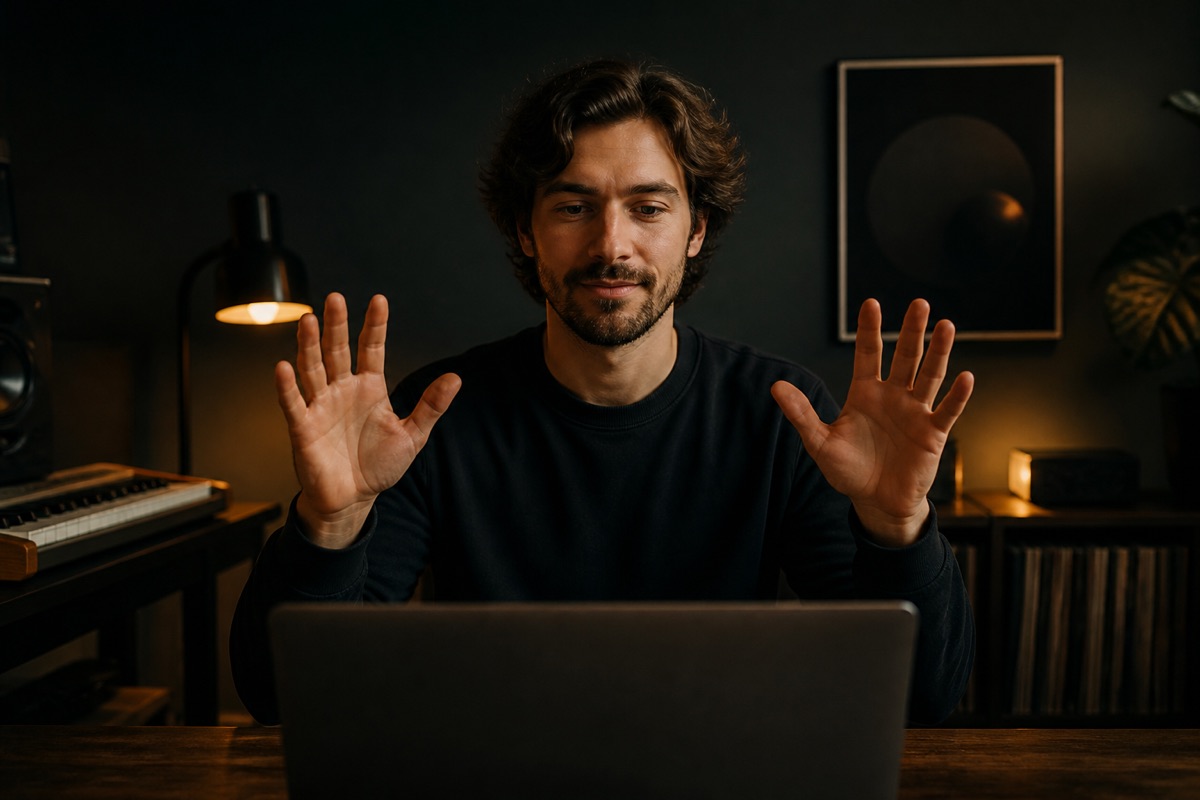
01Gesture Synth requests camera access when the homepage opens. Allow it to see the live preview, then select the center play button while local hand tracking loads. Keep both hands in view, use clear lighting, and leave enough room to move comfortably.
Select the center play button once, then use both hands to play a chord.
 02
02Extend one finger on your left hand for I. Tilt inward for Major; a neutral tilt is Major too. Keep the shape steady until the chord label settles, then try a small outward tilt to hear the minor color.
The left hand chooses the chord degree and major or minor color.
 03
03Extend one non-thumb finger on your right hand for root position. Raise your right hand for more volume; lower it for less. Add another non-thumb finger to hear a first inversion, then change only one control at a time.
Keep the left-hand I major shape steady while you change the sound.
Ready to capture it? Use the red Record control to request microphone access and save a local MP4 on supported browsers. The downloaded MP4 captures the performance stage only, not the rest of your screen.
Gesture Synth is built for the moment before an idea becomes a full track: explore a progression, shape its feel, then capture a short take while it is still fresh. Try a familiar I-IV-V movement, test a chord voicing, or find a texture before opening a larger music project.
Choose a key, then use the left hand to move between chord degrees and major or minor color. The chord readout gives you a note name and quality to follow as you move.
Use the right hand to change voicing, octave, volume, and filter one movement at a time. Thumb position changes octave, while right-hand tilt changes the filter response.
When a short idea lands, record it locally as an MP4 on supported browsers and choose where to share it. The downloaded file stays on your device, and Gesture Synth has no publishing workflow.
Recording starts only when you choose it and may ask for microphone access. On supported browsers, Gesture Synth mixes the live visual, your microphone, and the generated synth into a local MP4 download. There is no built-in publishing step. The MP4 captures only the performance canvas, not page controls, other tabs, application windows, or your desktop screen.
See recording details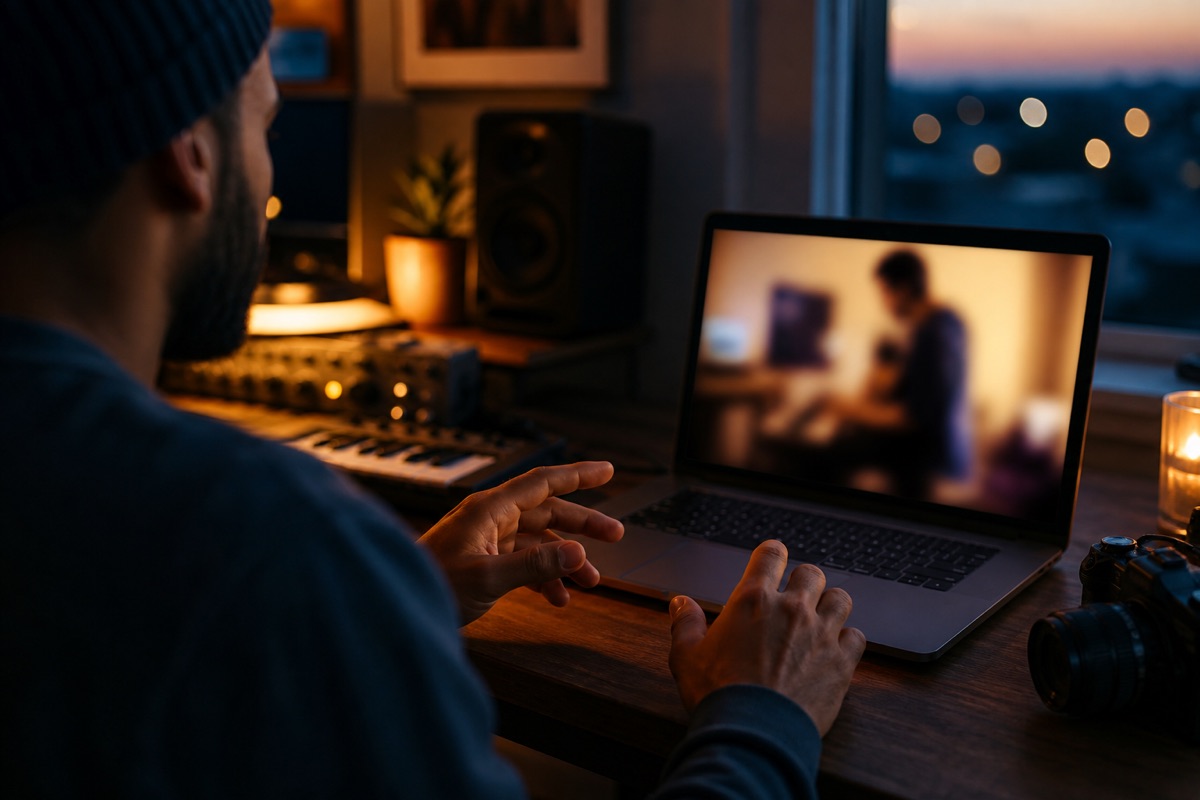
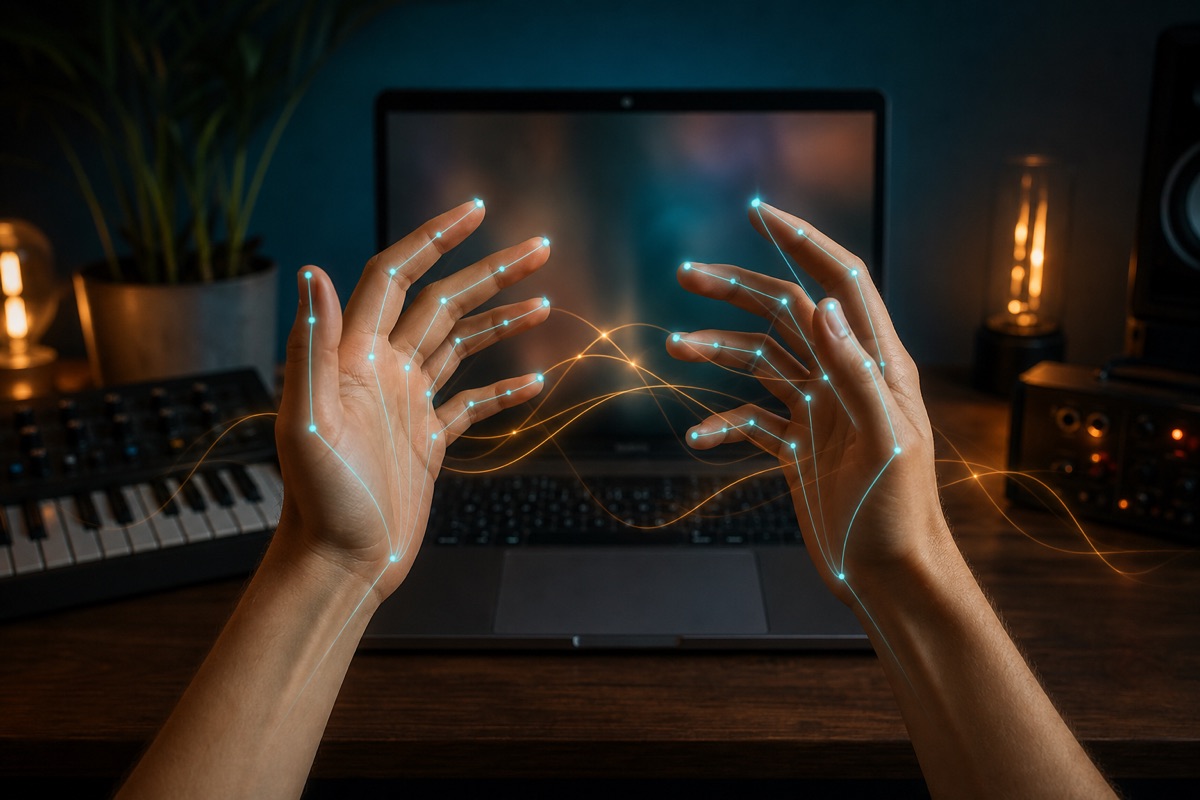
MediaPipe estimates 21 landmarks per hand. A lightweight gesture mapper turns those positions into stable musical states, then Web Audio responds without a server round trip. The tracker tries GPU processing first and falls back to CPU when needed, giving compatible devices a second path to start the instrument.
A few practical details before you put your hands in frame.
Yes. The instrument is free to use and does not require an account, subscription, or payment method. After the camera preview appears, select the center play button, then choose a key and sound from the controls while local hand tracking finishes loading.
No. Hand detection, microphone mixing, and recording run in your browser. Camera frames, landmarks, microphone audio, synth audio, and recordings are not sent to our servers. Anonymous page-usage telemetry may be sent to Microsoft Clarity when enabled, but it does not receive those media streams. You can stop camera access by closing the page, revoking the browser permission, or disabling the camera on your device.
Gesture Synth has been tested in Google Chrome. Camera access, hand tracking, sound, canvas capture, and MP4 recording depend on the browser and device you use, so other browsers are not promised. If a feature is unavailable, read the specific message shown in the instrument before trying again.
Your left hand selects scale degree and major or minor mode. Your right hand controls chord voicing, octave, volume, and filter. One non-thumb finger on the right selects root position, while two selects a first inversion.
The live synth canvas, including camera video, hand landmarks, and visual feedback, plus microphone audio and the generated synth output. Page controls, other tabs, and your desktop are not included. Recording stops automatically after five minutes.
Modern browsers only expose cameras to secure pages. Localhost works during development; public deployments must use HTTPS.
Review how local media processing and anonymous usage metrics work before you play.
No account is required. Camera access is requested as the homepage opens; sound starts after one click or touch.